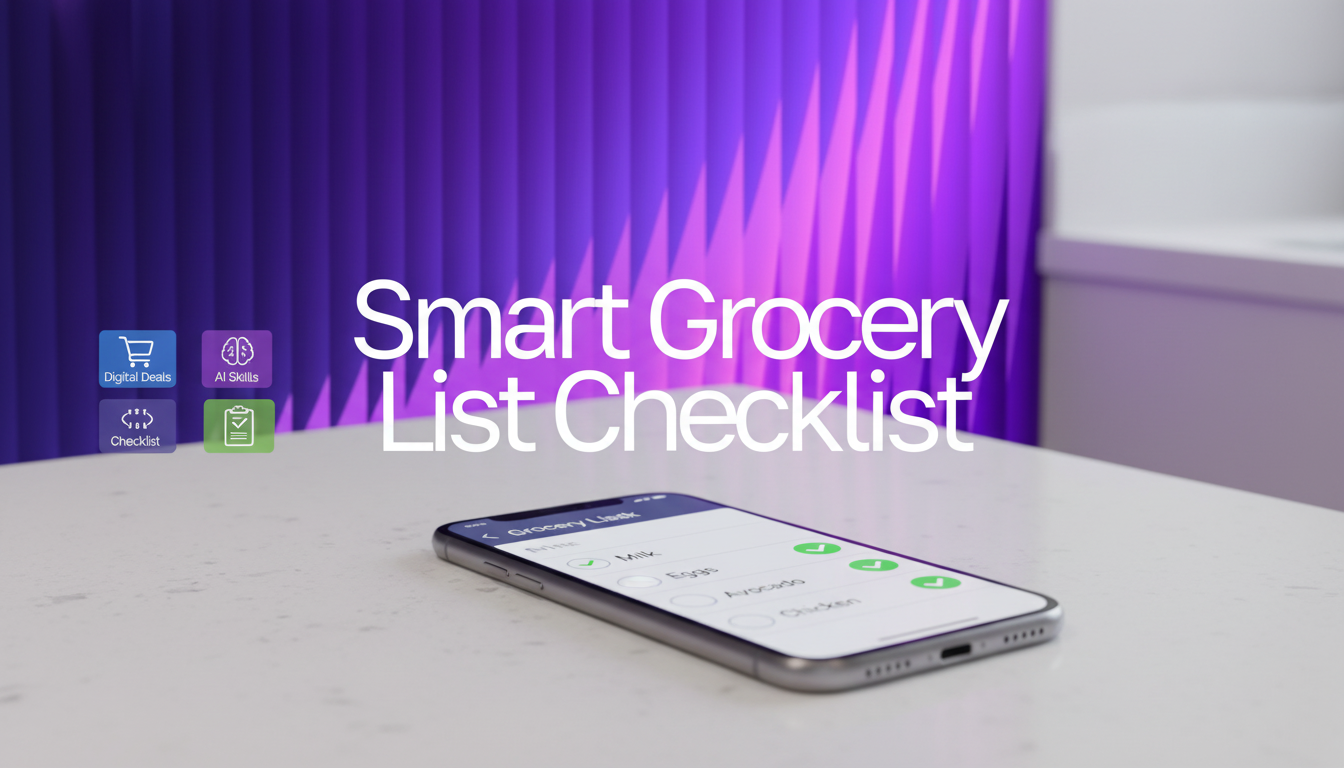
Several smart fridges include a built-in shopping list feature, but the most widely recognized options come from Samsung and LG. In practice, the “best” choice depends on how you want to manage the list: directly on the fridge’s touchscreen, from a phone while you’re at the store, or through a connected ecosystem like Alexa or Google Assistant.
Many Samsung Family Hub refrigerators offer a shopping list tool that you can update from the fridge display and, on compatible setups, view or edit from a mobile device. This is useful for households that want a shared list everyone can add to as items run out. Family Hub models also tend to bundle other kitchen-friendly features like calendars, notes, and meal planning, which can make the shopping list feel more “central” to daily routines.
LG ThinQ-enabled refrigerators also support list-style shopping and grocery management through the ThinQ app experience. Depending on the model, you may get inventory-style tools (tracking what’s inside) and app-based reminders that help you remember staples. If you already use other LG ThinQ devices, keeping shopping-related tasks within the same app can be convenient.
Before buying, confirm how the list works on the exact model you’re considering. Key differences include whether multiple users can share and sync the same list, whether the list is editable from your phone away from home, and whether voice assistants can add items hands-free. Also check if the feature requires creating a brand account or maintaining Wi-Fi connectivity to sync reliably.
For model examples, feature breakdowns, and what to verify before checkout, see the full guide here: https://originzeroresources.com/which-smart-fridge-has-a-shopping-list/.
Usually, yes—at least for syncing the list to your phone or sharing it with other users. Some models may still let you view or edit a local list on the fridge screen without internet, but cloud syncing typically requires Wi-Fi.












Leave a comment